
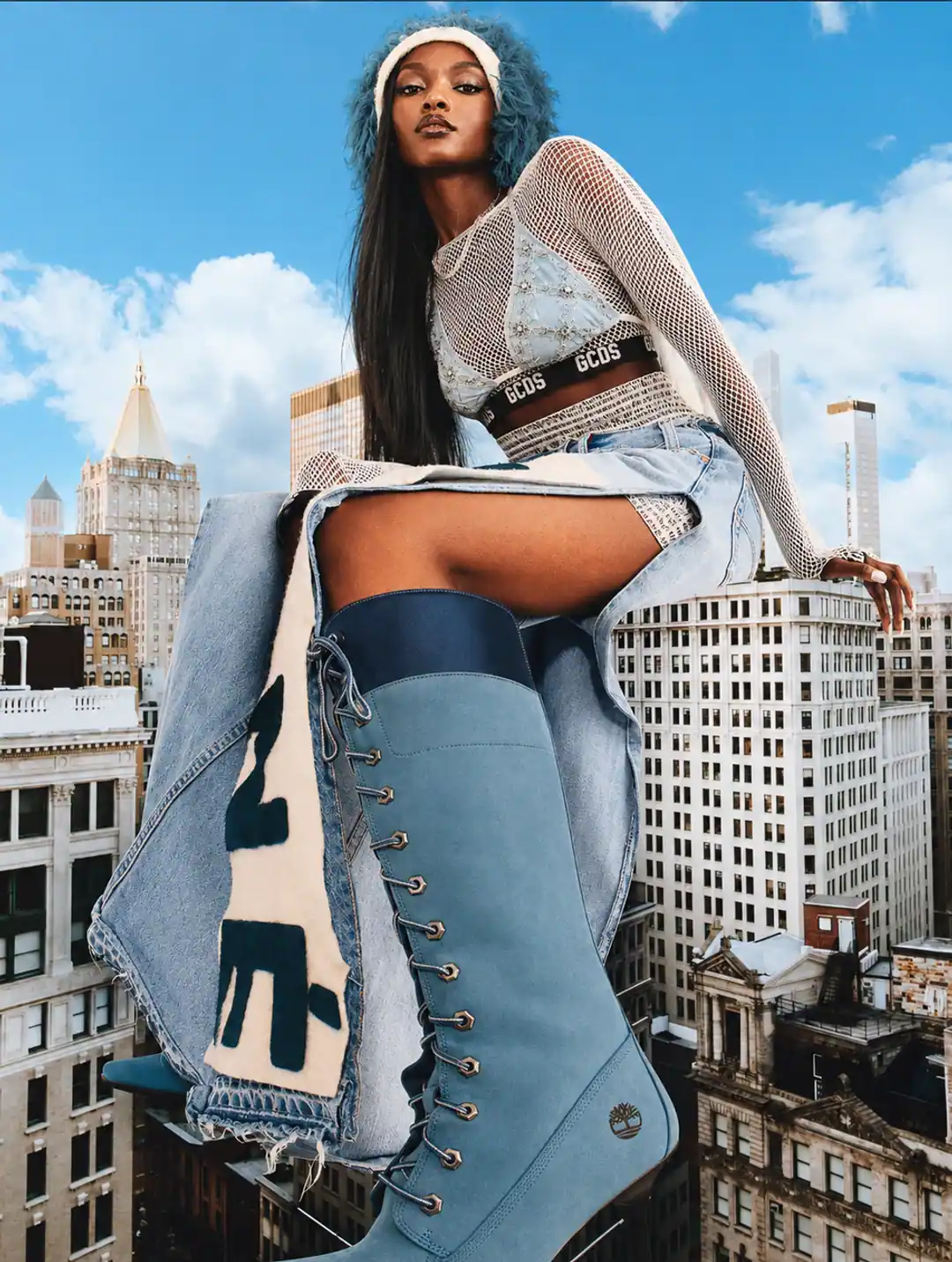
Fast-fashion and high-frequency apparel teams face a real production problem: more SKUs, more channels, more crops, and shorter creative windows. AI product photography can increase visual range, but it does not remove the need for samples, garment knowledge, quality control, or honest product evidence.
This is a workflow guide, not a client case study. The model below is an illustrative planning framework for fashion teams deciding where AI-assisted production fits. Actual timelines, costs, and performance depend on catalogue complexity, reference quality, approval speed, and the channels being served.
Where AI helps a fast-fashion workflow
- Exploring campaign directions before committing to a large physical production.
- Creating background, lighting, location, and styling variations around an approved product reference.
- Producing channel-specific crops for product pages, paid social, email, and mobile landing pages.
- Extending a selected visual territory across related products or colorways, with manual SKU checks.
- Testing editorial concepts while preserving clean, verified catalogue photography for product evidence.
Where teams should slow down
Fashion carries more accuracy risk than a simple packaged product. A loose workflow can alter garment fit, seam position, sleeve length, neckline, print placement, closures, fabric drape, transparency, or scale. On-model images also introduce anatomy, pose, identity, representation, and disclosure questions.
For that reason, the safest approach is usually hybrid. Use real samples and verified product references as the source of truth. Use AI-assisted production for controlled campaign exploration and visual extensions. Keep real photography where the buyer needs exact evidence of fit, construction, texture, or movement.
Fashion creative production
Planning a launch, lookbook, or content refresh?
Share the product references, launch date, channel list, and desired visual direction. We will scope the right mix of product-first and campaign assets.
The six-stage workflow
1. Build the product truth pack
Gather front, back, side, detail, and on-body references for the exact SKU. Include color values, fabric information, size and fit notes, print files, hardware details, and a list of features that cannot change.
2. Separate catalogue evidence from campaign storytelling
Define which images must show the product plainly and which are allowed to carry atmosphere. A clean product page may need verified front, back, side, detail, and fit views. Campaign imagery can explore location, casting direction, motion, and mood without replacing those essential references.
3. Create one visual territory
Set rules for lighting, camera distance, crop, movement, color, environment, model direction, and retouching. A consistent territory prevents the content calendar from becoming a collection of unrelated AI styles.
4. Produce a channel-based shot list
Plan the exact outputs before generation: product-page images, 4:5 campaign frames, square ad variants, 9:16 story assets, email banners, and launch-page heroes. This keeps production connected to real placements and reduces unusable output.
5. Run garment and model QA
Compare every selected frame with the source. Check fit, proportions, hems, seams, closures, print placement, fabric behavior, hands, limbs, hair, jewelry, shadows, and interactions between the model and garment. Reject any image that creates a false product expectation.
6. Measure actual outcomes
Record production time, revision load, usable-image rate, creative testing speed, click-through, conversion, returns, and customer feedback. Do not publish assumed percentage improvements as results. Build your own benchmark from controlled tests and real sales data.
Fashion product photography
Want a practical recommendation for your product?
Share the product, sales channel, deliverables, and timing. Pixelense will recommend the clearest scope without changing the published starting rates.
A practical pilot
Start with one product family and one campaign moment. Select a small group of SKUs with strong references, define the required channel formats, and compare the AI-assisted workflow with your current process. Review accuracy and brand fit before reviewing speed or cost.
A successful pilot should answer four questions: Did the product remain truthful? Did the images feel like one brand? Did the team receive useful assets for real placements? Did the workflow reduce friction without creating a larger approval burden?
The decision rule
Use AI where it expands creative possibility or reduces repetitive production. Use real photography where the customer needs proof. Use human art direction and retouching across both. That combination is more durable than trying to force every fashion image through one production method.
Explore Pixelense's fashion product photography service, AI campaign imagery, AI model photography guide, and brand identity framework for the next step.
Reference-led production
Build a fashion campaign around product truth.
Pixelense combines human creative direction, AI-assisted production, retouching, and garment-focused quality control.
Fashion product photography
Request a project-fit review for your next image set.
Share the product, sales channel, deliverables, and timing. Pixelense will recommend the clearest scope without changing the published starting rates.