
Ecommerce
TikTok Shop Product Image Requirements: US & UK (2026)
By Zubair Zafar · Published · Updated
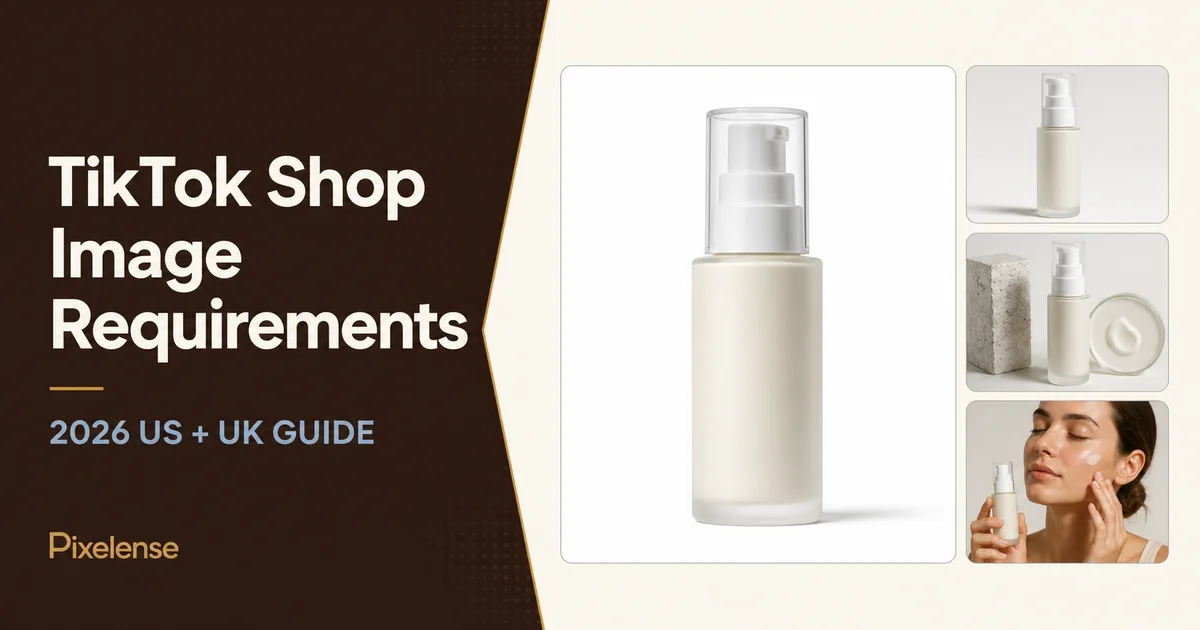
TikTok Shop product image requirements are easy to misread because the platform is global, while its seller policies are market-specific. A size quoted for a UK shop may be wrong for a US shop. Advice for a shoppable post may not apply to the product detail page. And an image that looks persuasive in a feed can still fail as a listing image.
This guide separates those jobs. It summarizes the current first-party requirements for TikTok Shop US and UK, then turns them into a practical image plan for sellers and ecommerce teams.
Policy check: Pixelense reviewed the linked TikTok Shop sources on August 10, 2026. Platform and category rules can change. Treat the live policy in your Seller Center and destination market as the final authority.
TikTok Shop image requirements at a glance
| Requirement | TikTok Shop US | TikTok Shop UK |
|---|---|---|
| Minimum resolution | 600 x 600 pixels | 800 x 800 pixels |
| Shape | Square | Square |
| Maximum listing images | 9 | 9 |
| Main image | Front physical view on a pure-white background | Front view; current best-practice guidance calls for a clean, preferably white background |
| Colour | Required; black-and-white images are not accepted | Required; black-and-white images are not accepted |
| Text, borders and watermarks | Do not add logos, text, borders, watermarks or graphics over the product or background | Avoid text, watermarks, pixelated blocks and distracting graphic elements |
| Product truth | Show only what the customer will receive; placeholders and digital product renderings are not allowed | Images must accurately represent the listed product and its specifications |
| Listing video | Up to 1 video; official policy currently lists a 5 MB maximum | Up to 1 video; official guidance currently lists a 5 MB maximum |
The difference that matters most is resolution: the US Product Listing Policy sets a minimum of 600 x 600 pixels, while TikTok Shop UK's listing guidance sets 800 x 800 pixels. A team selling in both markets can simplify production by building its master listing images at 1200 x 1200 or higher, then exporting clean square files that stay above both minimums.
That working size is a production recommendation, not a new TikTok rule. Always use the current upload limits shown in your Seller Center.
US product image rules
TikTok Shop's current US policy says sellers may upload up to nine square product images and must select one as the main image. The main image must show the front physical view of the product on a pure-white background.
The supporting images should add new evidence rather than repeat the same angle. The policy permits front, back and side views, close-ups, accessories, features, use scenarios, variations, styled scenes, and scale comparisons, provided the visuals remain truthful.
For a US listing, check that every image:
- is at least 600 x 600 pixels and square;
- is in colour, sharp, and easy to read on a phone;
- shows the exact product, variant, quantity, and included accessories;
- avoids added text, borders, watermarks, background graphics, or logos that obscure or embellish the listing;
- does not use a placeholder or digital rendering as product evidence; and
- avoids repeated angles that add no new buying information.
TikTok also clarified in a May 2026 policy update that product images should show realistic size and proportion. Avoid exaggerated backgrounds, oversized product compositing, or scale cues that could create a false expectation.
UK product image rules
TikTok Shop UK requires square, colour product images of at least 800 x 800 pixels and allows up to nine images per listing. The main image should show the product from the front. Additional images should cover other views, details, and included accessories rather than duplicate the hero angle.
The current UK product-upload guide recommends at least five images to explain the product well. It also advises a white first-image background and warns against text, icons, borders, colour blocks, watermarks, or distracting shapes. Those recommendations support a clearer listing even when a field technically accepts fewer images.
The practical distinction is simple: meeting the upload minimum is not the same as building a strong product detail page. Use enough images to answer the customer's real questions, but do not fill all nine slots with near-duplicates.
How many images should a TikTok Shop listing have?
For US listings, TikTok's Product Detail Page and Listing Quality guidance uses five or more high-resolution images as part of its "Good" listing-quality tier. TikTok Shop UK also recommends at least five images in its product-upload guidance.
That makes five a sensible baseline, not a universal promise of ranking or sales. Use more only when each frame answers a distinct question.
A practical nine-image sequence
- Main image: the exact product from the front on white, with clean edges and no promotional treatment.
- Side or back view: show shape, closure, ports, label information, or construction that is not visible from the front.
- What's included: present the product, components, and accessories in the exact quantity the buyer receives.
- Scale: show the item beside a familiar object or in a truthful human context. Put exact measurements in the listing attributes or description unless your current category workflow explicitly permits annotated images.
- Material or texture detail: reveal stitching, finish, applicator, ingredients panel, grain, hardware, or another purchase-relevant detail.
- Use scenario: show the product being used correctly without implying a feature, result, or quantity that is not included.
- Variation: display the exact colour, flavour, size, or pack linked to the selected SKU.
- Feature evidence: demonstrate a real feature visually. Avoid unverified performance claims or before-and-after imagery that could mislead.
- Styled brand frame: add a restrained lifestyle scene that fits the brand while keeping the product accurate and identifiable.
Not every category needs all nine. A simple one-piece product may need five strong frames; a kit, fashion item, beauty tool, or technical accessory may need more.
Main-image checklist before upload
The main listing image appears in small, fast-scrolling surfaces, so clarity matters as much as compliance. Review it at thumbnail size, not only on a large design monitor.
Free technical preflight: Before upload, run the file through the ecommerce product image checker to catch dimension, file-size, format, aspect-ratio, and common border/background issues. Then use TikTok Shop’s current policy for the final compliance check.
- Front view: can a shopper identify the product immediately?
- White background: is it genuinely clean rather than warm grey, patterned, or visibly cut out?
- Exact variant: does the colour, label, pack count, and size match the SKU?
- No extra contents: are props, accessories, or multiples excluded unless the buyer receives them?
- Natural proportions: has retouching preserved the product's real shape and scale?
- Clean edges: are there halos, missing transparent parts, or blurred packaging details?
- Mobile legibility: does the product remain recognizable when the image is reduced to a small card?
- Current category check: have you checked for rules specific to beauty, apparel, children's products, supplements, electronics, or another controlled category?
If the first frame needs a badge, price, benefit claim, or decorative scene to make sense, it is probably trying to do the job of an ad. Move that creative treatment to an eligible ad or content format and keep the listing main image factual.
AI product photography
Want a practical recommendation for your product?
Share the product, sales channel, deliverables, and timing. Pixelense will recommend the clearest scope without changing the published starting rates.
Can you use AI images on TikTok Shop?
Use AI carefully. TikTok Shop US currently says placeholders and digital renderings of the product are not allowed, and every image must accurately represent what the customer will receive. That makes a fully generated substitute for the physical product a clear listing risk, especially in the main image.
A conservative workflow is to begin with verified product photography and approved packaging artwork. AI-assisted tools can help plan scenes, extend non-product backgrounds, or create concept directions, but the final listing asset should preserve product geometry, label copy, colour, quantity, included parts, and scale. A human reviewer should compare the export against the physical product and current policy before upload.
For styled secondary images, accuracy still applies. An attractive scene is not useful if it changes the cap, invents a larger pack, smooths away a safety label, adds an accessory, or makes the item appear bigger than it is. See Pixelense's guide to keeping product labels accurate in AI images for a more detailed review workflow.
TikTok Shop's listing rules are also different from the creative rules for shoppable posts, creator videos, and ads. A native-looking social asset can support discovery, but it should not be reused automatically as the listing's main product image. Pixelense covers that creative system separately in its guide to AI product photography for TikTok Shop sellers.
Common rejection and quality problems
Using the wrong market's size
A 700 x 700-pixel file clears the US minimum but misses the UK's 800 x 800-pixel requirement. Keep market-specific export presets and label them clearly.
Treating a render as proof of the product
A polished rendering may still fail the US requirement for an accurate physical product image. Use a verified photograph for the product itself and do not assume photorealism equals compliance.
Adding promotional copy
Discounts, "best seller" badges, URLs, QR codes, borders, and marketing overlays turn a product image into promotional creative. Keep them out of the listing-image set unless a live market and category rule explicitly allows a specific element.
Repeating one angle
Nine copies of a front three-quarter view do not make a complete gallery. Use the carousel to answer questions about scale, texture, contents, use, variations, and details.
Mixing variants or pack counts
If the shopper selected a single blue bottle, do not show a two-pack or a different colour in the associated gallery. Match every image to its SKU and audit variation mapping after bulk uploads.
Exaggerating size or results
Oversized compositing, misleading room scale, unverified claims, and dramatic before-and-after frames can create an inaccurate expectation. Show realistic proportions and keep claims supported.
A safer production and QA workflow
- Choose the destination market and category first. Save the current policy URL and any Seller Center field requirements with the brief.
- Photograph the exact SKU. Capture the front, sides, back, contents, details, and a reliable scale reference.
- Separate product proof from campaign creative. Build the white-background listing image before lifestyle or feed assets.
- Create one approved master. Lock the correct label, colour, geometry, accessories, and pack count before making variants.
- Export by market. Use square presets that exceed the relevant minimum without unnecessary file weight.
- Review at full size and thumbnail size. Check edge quality, label accuracy, recognizability, and mobile readability.
- Compare every file with the SKU. A second reviewer should verify contents, variation mapping, scale, and any visible claim.
- Check the live policy at upload. Seller Center and category rules take priority over saved checklists.
- Inspect the published listing. Confirm the correct main image, image order, variation mapping, crop, and compression after processing.
For teams selling across channels, keep one controlled product master and create separate export sets for TikTok Shop, Shopify, Amazon, Walmart, and Google Shopping. Do not force one marketplace's promotional style into another marketplace's compliance slot.
TikTok Shop image requirements FAQ
What size should TikTok Shop product images be?
For TikTok Shop US, current policy requires square images of at least 600 x 600 pixels. UK guidance requires at least 800 x 800 pixels. A 1200 x 1200-pixel working master can provide useful production headroom for both, but it is not an official universal requirement.
How many images can I upload to TikTok Shop?
Current US and UK guidance allows up to nine square product images per listing. Both markets encourage a varied gallery; five or more useful images is a practical baseline for a well-explained product.
Does the TikTok Shop main image need a white background?
For US listings, the current policy requires a pure-white main-image background. UK guidance also recommends a clean white first image and prohibits distracting graphic elements. Verify the current rule in your shop's market and category.
Can the main image include text or a logo?
US policy prohibits added logos, text, borders, watermarks, or graphics over the product or background. UK guidance similarly warns against text, icons, borders, colour blocks, and watermarks. Product branding that physically appears on the real packaging is different from an added promotional overlay.
Are AI-generated product images allowed?
TikTok Shop US currently says digital renderings of a product are not allowed as product images. Use verified photography for the physical product, keep any AI-assisted production truthful, and review the live market and category policy before publishing.
Official sources
- TikTok Shop US Product Listing Policy
- TikTok Shop US Product Detail Pages and Listing Quality Guidelines
- TikTok Shop US Policy Pulse, May 2026
- TikTok Shop UK Best Practices for Product Listings
- TikTok Shop UK How to Add a New Product
Pixelense is not affiliated with or endorsed by TikTok. This article is operational guidance, not legal advice or a guarantee of listing approval, visibility, or sales.
AI product photography
Request a project-fit review for your next image set.
Share the product, sales channel, deliverables, and timing. Pixelense will recommend the clearest scope without changing the published starting rates.