
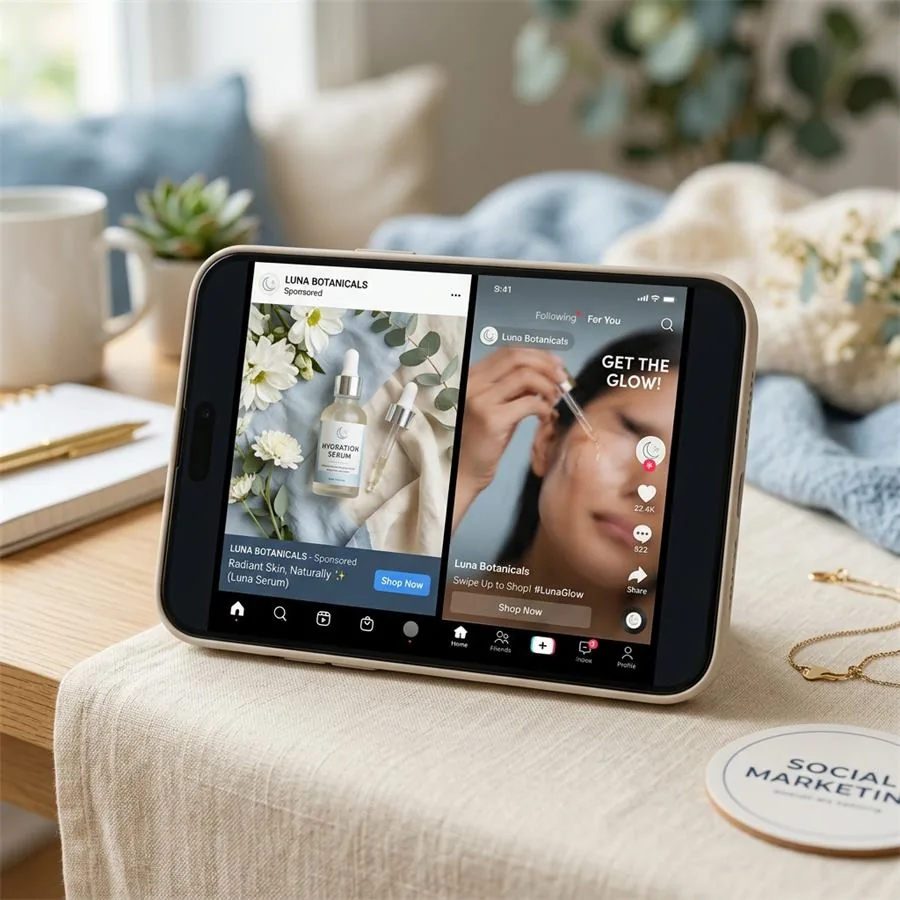
TikTok Shop is not just another marketplace with a checkout button attached. It behaves like a feed, a product page, an ad platform, and a creator channel all at once. That changes what product photography has to do. A seller needs images that are clean enough for a listing, native enough for a mobile audience, and accurate enough to keep policy, refunds, and buyer trust on their side.
This is where AI product photography can be useful, but only if it is handled with discipline. The goal is not to make a product look like something it is not. The goal is to take real product references and turn them into a stronger image set: better lighting, clearer detail, better background control, more context, and more formats for TikTok Shop listings, videos, ads, and retargeting.
AI product photography
Want a practical recommendation for your product?
Share the product, sales channel, deliverables, and timing. Pixelense will recommend the clearest scope without changing the published starting rates.
TikTok Shop Images Have Two Jobs
Most sellers think of product images as listing decoration. On TikTok Shop, they do heavier work. First, they help the customer confirm the product after discovering it through a video or live stream. Second, they reduce uncertainty at the exact moment the buyer is deciding whether the product is real, useful, and worth the price.
That is why the strongest TikTok Shop image sets are not overdesigned. They are direct. They show the product clearly, answer the basic questions, and match the promise made in the content that drove the click. A supplement brand needs label legibility and pack detail. A beauty brand needs texture and shade accuracy. A kitchen gadget needs scale and use context. A fashion accessory needs material, stitching, and how it looks on or beside a person.
The Compliance Rule: Accurate Beats Impressive
TikTok Shop's product listing policies are built around accurate representation. That means your images should show what the customer will actually receive. Sellers should avoid placeholder-style visuals, misleading bundles, impossible results, fake packaging, or scenes that imply included items that are not part of the order.
For AI photography, this matters. A fantasy render might look good, but if it changes bottle shape, label text, size, color, material, accessories, or quantity, it can create a listing problem and a buyer trust problem. Pixelense uses a reference-anchored workflow for marketplace images: we start with real product photos, preserve the product geometry and key packaging details, then build the studio lighting and scene around it.
Use AI to improve presentation. Do not use it to alter the promise.
The 7-Image TikTok Shop Set We Recommend
A seller can launch with fewer images, but this set gives the listing enough visual coverage to answer objections and support ad testing.
1. Clean main product image
One product, clear view, no visual clutter. This should work as a thumbnail. If a customer cannot identify the item on a phone screen in half a second, the image is not doing its job.
2. Packaging and label image
For beauty, supplements, food, electronics, and anything with claims or specifications, buyers want to inspect the packaging. Keep label text honest. If the source photo is not sharp enough, reshoot the reference instead of inventing label details.
3. Detail close-up
Show the part that sells quality: fabric weave, applicator tip, coffee bag valve, jewelry clasp, ceramic finish, cable connector, zipper pull, or ingredient texture. These detail images make low-trust categories feel safer.
4. Scale image
Show the product near a hand, counter, shelf, bag, phone, or common object. TikTok Shop buyers often arrive from fast-moving content, so scale confusion is common. A scale image quietly reduces returns.
5. In-use lifestyle image
This is not a glossy billboard. It should feel close to how the product appears in creator content. A skincare bottle on a bathroom shelf, a kitchen tool mid-prep, a coffee bag beside a morning cup, a small gadget on a desk. Believable context beats luxury staging for many TikTok categories.
6. Variant or bundle image
If the product comes in colors, scents, sizes, flavors, or sets, show that clearly. Do not imply that a bundle is included if the listing is for one item. This is where many sellers accidentally create confusion.
7. Ad creative crop
Prepare at least one 9:16 vertical version that can become a TikTok ad, Spark Ads visual, or creator brief reference. Listing and ad images are different, but they should come from the same visual system so the customer experience feels consistent.
Why AI Helps TikTok Shop Sellers Move Faster
TikTok Shop rewards speed. Trends move quickly, creators test angles quickly, and sellers learn fast when they have enough creative variants. A traditional shoot can give you a beautiful batch of images, but it is slow to repeat. AI photography compresses the cycle between learning and new creative.
If one hook starts working in videos, you can build new product images around that context. If a creator angle shows the product in a kitchen, gym bag, bathroom, desk setup, or travel routine, the listing can reflect that context within days instead of waiting for the next physical shoot. The image set becomes part of your testing loop, not a static asset folder.
For paid social, see our broader AI product photography for social media ads guide. For marketplace-style image clarity, compare the Amazon product photography guide, Shopify image workflow, and Etsy seller photography guide.
A Simple Brief For Better Results
The quality of the output depends on the quality of the reference. Send these items before asking for a TikTok Shop image set:
- Front, side, back, and top product photos in natural light.
- Close-up packaging and label photos.
- Exact product dimensions and included items.
- Any colors, scents, sizes, or bundle options.
- Three TikTok videos or competitor listings that show the desired visual direction.
- Any claims or wording that must not be changed.
That brief lets a studio create images that stay true to the product while improving everything around it. The best AI work starts from boringly clear inputs. The more precise the reference, the more polished the final result.
Where Sellers Should Not Use AI
AI is not the right answer for every image. Do not use generated imagery for safety-critical claims, exact medical or technical demonstrations, regulated before-and-after claims, or anything where the image must prove a physical performance result. If a product has a measurable claim, show real evidence. AI can support the presentation, but it should not replace proof.
This is especially important for supplements, skin transformation products, fitness gear, baby products, electronics, and anything that touches health or safety. A clean product shot is fine. A fake result image is not.
Frequently Asked Questions
Can TikTok Shop sellers use AI product photography?
Yes, but the images should accurately represent the real item being sold. Use real product references and treat AI as a production method for lighting, backgrounds, contexts, and crops, not as a way to invent a different product.
What images should a TikTok Shop listing include?
Start with a clean main image, detail close-ups, scale context, packaging or label shots, in-use lifestyle imagery, variant or bundle clarification, and at least one vertical ad-friendly crop.
Is TikTok Shop photography different from TikTok ad creative?
Yes. Listing images should be clear and accurate. Ad creative can be more native, energetic, and contextual. The strongest sellers produce both from the same product reference set.
How does Pixelense keep AI product images accurate?
We work from real product references, preserve the shape and packaging details, and build the environment around the product instead of changing the product itself.
AI product photography
Request a project-fit review for your next image set.
Share the product, sales channel, deliverables, and timing. Pixelense will recommend the clearest scope without changing the published starting rates.